PgSeek started as a searchable file and document application. It became a practical way to learn how real
systems connect: a Nuxt 4 and Vue frontend, TypeScript server routes, PostgreSQL-backed storage,
Dockerized infrastructure, and a repeatable container workflow.
The gap between using tools and understanding systems
There is a major difference between using a database, running a framework, and actually understanding how a
full-stack system behaves when those pieces have to work together. PgSeek was built to make that gap much
smaller.
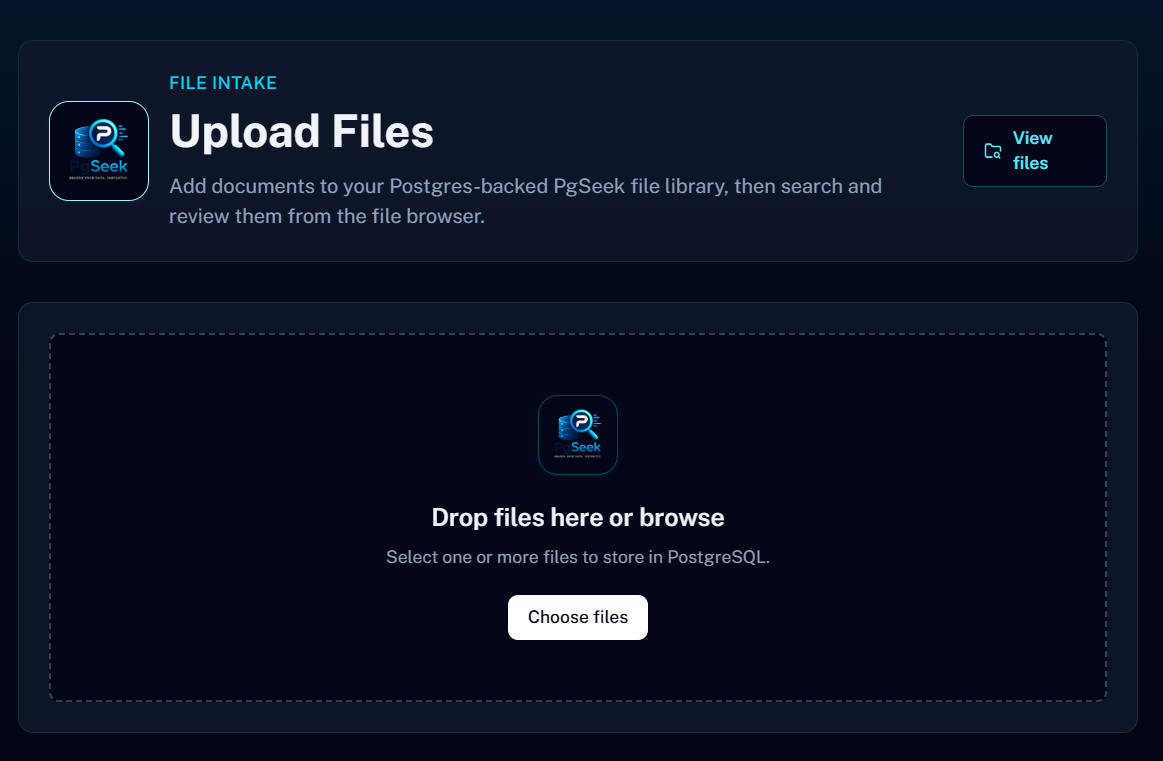
The project looks simple from the outside: upload files, store them in PostgreSQL, search them, preview
safe content, and delete records when they are no longer needed. But underneath that workflow are the same
engineering concerns that show up in production systems: storage, indexing, API design, type safety,
container networking, migrations, environment variables, and repeatable environment setup.
That is what made PgSeek valuable. It was not just a feature project. It was a learning project built
around real infrastructure.
Why search was the right problem to build around
Search is easy to underestimate. A user types a query, receives results, and expects the experience to feel
instant. Behind that simple interaction is a chain of decisions about data structure, ranking, filtering,
indexing, and how much work the database should do.
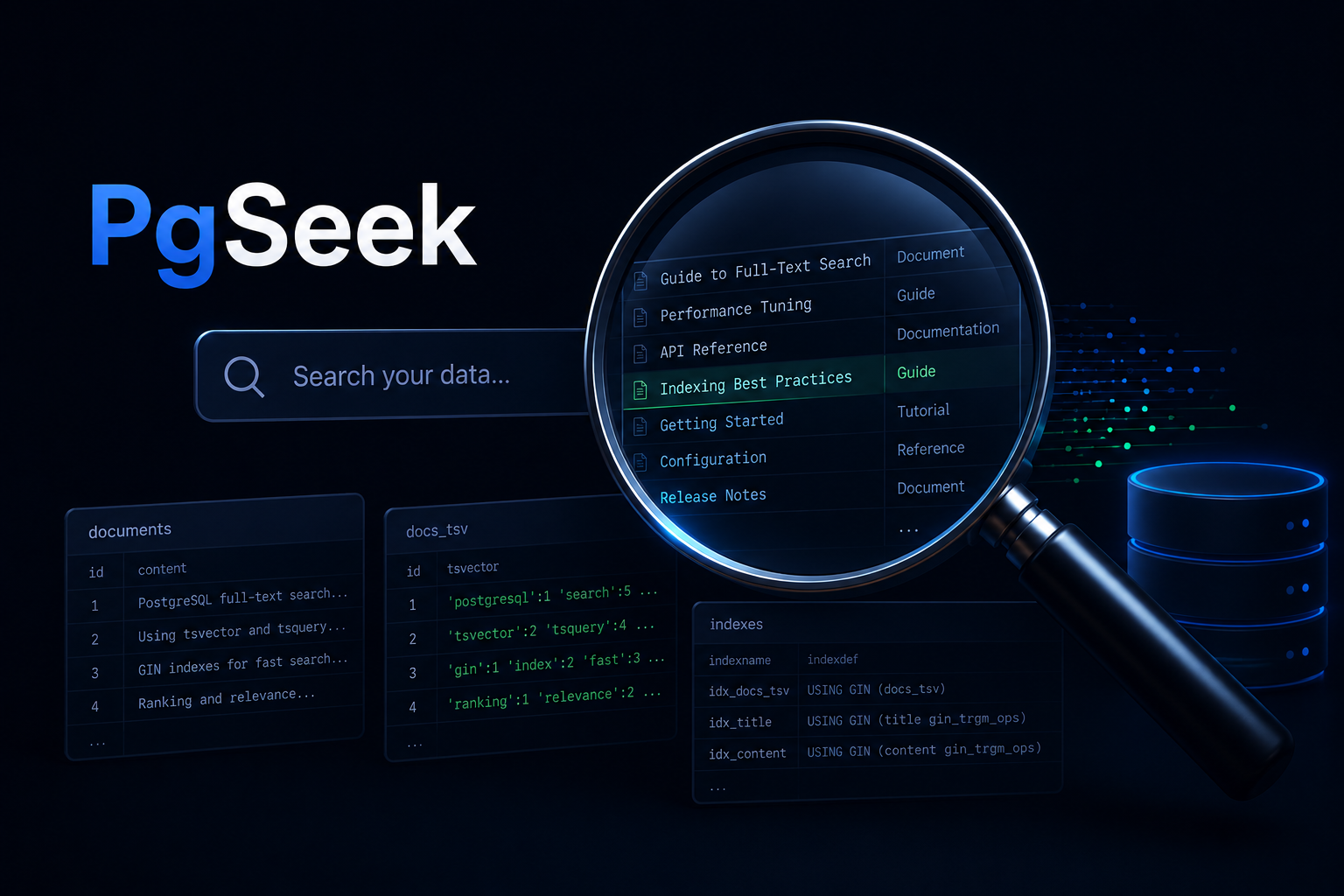
PgSeek uses PostgreSQL as more than a place to store rows. Uploaded files are stored, listed, previewed,
and deleted through PostgreSQL-backed API routes, while the repository also includes a document search
endpoint that experiments with PostgreSQL full-text search.
The project gave me a reason to work with concepts like tsvector, plainto_tsquery,
ranking, weighted searchable fields, GIN indexes, pg_trgm indexes, and query-backed result
previews. Those concepts are present in the schema and search endpoint, even though the uploaded-file
browser currently uses application-level filtering for its main list search.
Learning PostgreSQL through implementation
A lot of database learning happens through basic CRUD examples. PgSeek pushed past that because search
immediately raises harder questions.
- What should be searchable?
- Which columns should be indexed?
- How should file metadata and file contents be stored?
- When should the database calculate rank, and when is simpler application filtering enough?
- How should preview data be returned safely?
- How does the schema evolve as the application grows?
Answering those questions required treating PostgreSQL like an engineering system instead of just a storage
dependency. The database schema, migrations, search vectors, indexes, and API queries all had to support the
product behavior together.
Why TypeScript mattered
PgSeek was also a chance to use TypeScript in a practical full-stack setting. The project uses Nuxt 4,
Vue, server routes, typed data structures, and PostgreSQL-backed API responses. That combination made type
safety useful in a very direct way.
Search results are structured data. Uploaded files have names, sizes, MIME types, timestamps, preview rules,
and delete behavior. API routes need predictable inputs and outputs. TypeScript helped make those contracts
explicit so the application could evolve without relying on guesswork.
The biggest lesson was that TypeScript is not just about catching syntax mistakes. It helps document the
shape of the system. When the frontend, backend routes, and database access all move together, stronger
types make refactoring safer and the code easier to reason about.
Containerization changed the development workflow
One of the most important parts of PgSeek was learning how Docker changes local development. Without
containers, every service becomes tied to the host machine: local PostgreSQL versions, installed tools,
environment variables, ports, and manual setup steps.
Docker made the environment reproducible. The application and PostgreSQL database could run together with a
single command, using the same expected configuration each time.
Run PgSeek locally
Docker Compose
docker compose up --build
That one command represents a major shift. The database, app server, ports, volumes, health checks, and
startup order are no longer scattered across notes or memory. They are described as infrastructure.
Docker Compose made the system feel real
PgSeek uses Docker Compose to run the Nuxt application and PostgreSQL database as separate services. That
separation made several infrastructure concepts much easier to understand.
- The app connects to PostgreSQL through the Compose service name
postgres.
- The database uses a persistent volume so data survives container restarts.
- Migrations are mounted into the PostgreSQL initialization flow.
- The app waits for the database health check before starting.
- Environment variables define runtime behavior instead of hardcoded settings.
Those details are easy to skip in small portfolio apps, but they matter in real systems. PgSeek helped
turn containerization from a buzzword into something practical and understandable.
Building the application around real user workflows
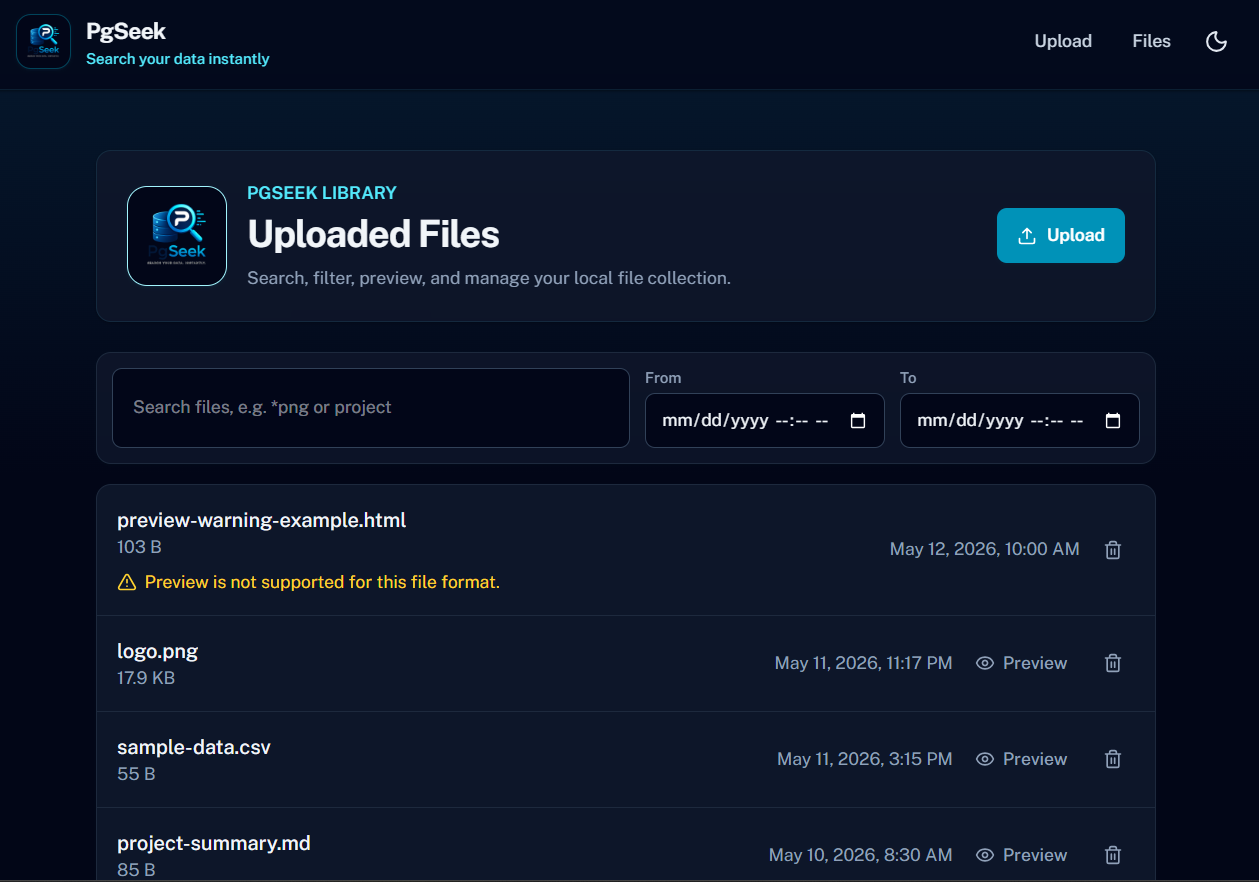
The PgSeek interface was built around a simple workflow: upload files, browse stored files, search file
names and searchable text content, preview safe files, and delete what is no longer needed. That gave the
project a real product shape instead of being only a backend experiment.
The backend stores uploaded files in PostgreSQL, exposes API routes for listing and searching records,
supports safe previews for supported content types, and documents the API through Swagger/OpenAPI. The
frontend gives those backend behaviors a polished interface instead of leaving them as isolated endpoints.
That mattered because it connected database engineering, API development, frontend state, and user
experience into one project.
CI and quality checks made the project stronger
PgSeek also includes the kind of quality workflow that makes a project feel more complete. The repository
includes linting, tests, type checking, a production build, a Docker image build, Husky pre-commit checks,
and GitHub Actions automation.
That matters because confidence does not come from hoping the app still works. It comes from repeatable
checks that validate the code before changes move forward.
Local quality check
pnpm
pnpm run ci:check
The Docker image build is especially important because it verifies more than application code. It confirms
that the project can be packaged as a container image, even without a deployment or publishing step.
What PgSeek demonstrates
PgSeek is more than a searchable file app. It demonstrates how several software engineering skills fit
together in one practical system.
- PostgreSQL schema design, uploaded-file storage, search vectors, ranking queries, and indexing
- TypeScript-based full-stack development with Nuxt and Vue
- Docker Compose for repeatable multi-service development
- Container networking, volumes, health checks, and runtime configuration
- API design for uploads, search, previews, deletion, and OpenAPI documentation
- Automated CI checks with Jest, ESLint, type checking, builds, Docker image validation, and GitHub Actions
The final application matters, but the larger value is the engineering process behind it. PgSeek helped
me learn how databases, containers, APIs, frontend code, and automation fit together as one system.
The bigger takeaway
The best learning projects are the ones that force systems to interact. PgSeek did that. It was not only
about writing a search bar or storing files. It was about learning how to build an environment where the app,
database, containers, and quality checks all support each other.
Good software is not just code that runs locally. It is structured, searchable, typed, tested,
containerized, documented, and reproducible.
That is what PgSeek helped me practice.
View PgSeek on GitHub
Back to blog