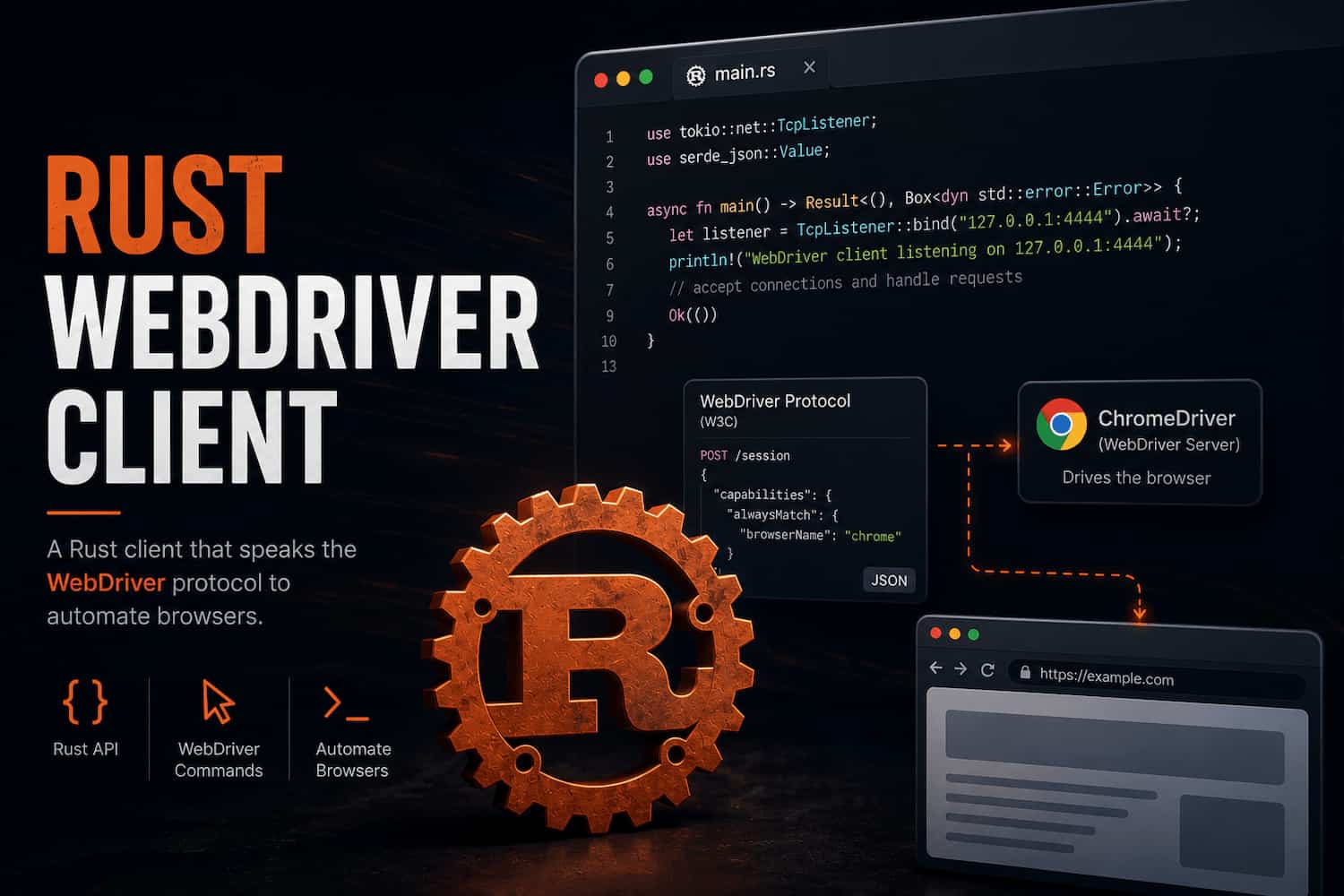
ArkenDriver started as a way to understand browser automation below the Selenium client layer. The project
became a practical lesson in protocol design, Rust API boundaries, async HTTP, driver setup, and the difference
between automating a browser and building an automation framework.
Why build a WebDriver client from scratch?
Browser automation can feel familiar when you use a polished client library. You create a driver, find an
element, click a button, and move on. That is useful, but it hides the shape of the system underneath.
ArkenDriver was built to remove that layer of comfort. Instead of depending on an existing Selenium client,
the framework talks directly to the W3C WebDriver protocol using Rust, async HTTP requests, typed request
and response structures, and explicit session management.
The goal was not to outbuild mature automation tools. The goal was to learn what those tools have to solve:
sessions, capabilities, protocol payloads, element references, driver processes, configuration, errors, and
the API design choices that make automation code feel trustworthy.
Lesson 1: browser automation is a protocol problem first
At the user level, automation looks like commands: navigate, find, click, type, quit. Under the hood, those
commands are HTTP calls against a browser driver that follows a protocol.
ArkenDriver made that concrete. Starting a browser session means sending a new-session payload with
capabilities. Finding an element means sending a locator strategy and value. A returned element is not a DOM
node in your process; it is a protocol reference identified by the W3C element key.
Public API shape
Rust
let mut driver = Driver::new("http://localhost:4444");

driver.start().await?;
driver.navigate("https://example.com").await?;

let button = driver.find_element(By::id("submit")).await?;
button.click().await?;

driver.quit().await?;
The nice API is only the surface. The real work is translating that surface into correct protocol requests
and validating that the responses contain the fields the framework needs.
Lesson 2: Rust forces better boundaries
Rust made the framework design more intentional. The project separates driver session state, navigation,
element behavior, error handling, configuration, and infrastructure code into focused modules.
That structure mattered because a WebDriver client has several different responsibilities. The main driver
owns the HTTP client, base URL, and current session. Element objects need enough context to send element
commands later. Configuration belongs outside the protocol layer. ChromeDriver installation and process
management are infrastructure concerns, not browser command concerns.
Rust's ownership model pushed those boundaries into the design. Instead of passing loose data around, the
code has to be clear about who owns the session ID, what can be cloned safely, and when an operation should
fail because no active session exists.
Lesson 3: small abstractions matter
Locator design is a good example. A framework could expose only raw protocol strings, but that would make
user code easier to misuse. ArkenDriver exposes a By type with helpers like
By::css, By::id, By::name, and By::xpath.
That is a small abstraction, but it teaches an important framework lesson: good APIs reduce the number of
protocol details the caller has to remember while still mapping honestly to the underlying system.
The same idea shows up in the WebElement type. Once the driver finds an element, the caller
should not have to manually rebuild the session URL or remember the element ID format. The element can hold
the context it needs and expose behavior like click and send_keys.
Lesson 4: setup is part of the framework
Automation examples often skip over the most annoying part: getting the browser driver installed, launched,
and reachable. ArkenDriver includes infrastructure for downloading or reusing ChromeDriver, mapping platform
names to Chrome for Testing packages, starting the local driver process, and reading configuration from
ArkenDriver.config.
That work is not glamorous, but it is what makes automation usable. A framework that sends perfect protocol
requests still feels fragile if every user has to manually manage driver binaries, paths, ports, and process
startup details.
This was one of the bigger lessons from the project: developer experience lives in the edges. The core
commands are important, but the surrounding setup often decides whether the tool feels reliable.
Lesson 5: testing protocol code requires a different mindset
Testing a browser automation client can become slow or flaky if every test launches a real browser. For
ArkenDriver, the more useful pattern was to test protocol behavior directly.
Some tests verify serialization and deserialization: the session request, navigation payload, locator
mapping, element response parsing, and send-keys payload. An integration-style test uses a small local TCP
server to assert that the public API sends the expected HTTP requests and correctly reads a mock WebDriver
response.
That approach keeps the tests fast while still checking the important contract: when user code calls the
framework API, ArkenDriver should produce the right WebDriver traffic.
Lesson 6: error handling is framework design
A browser automation framework fails in many ways. The driver might not be running. The session might not
exist. The browser can return an unexpected response. The network request can fail. An element can be
missing, stale, or not interactable.
ArkenDriver's current error model is still early, but even the first version made one thing clear: error
handling is part of the API. A framework should not only fail. It should fail in a way that gives the caller
enough information to understand what happened.
That is especially important for automation because failures are often diagnostic. The error message is not
just for a developer reading logs. It may be the first clue in a test run, CI failure, or debugging session.
Lesson 7: a roadmap keeps experiments honest
ArkenDriver is intentionally early. It already covers core WebDriver client behavior like session creation,
navigation, element lookup, clicking, typing, ChromeDriver setup, and a terminal runner. The roadmap points
toward screenshot support, wait utilities, locator abstractions, Page Object Model support, logging, a test
runner, parallel execution, reporting, and CI/CD integration.
Writing that roadmap mattered because it turned the project from a pile of experiments into a framework
direction. It also made tradeoffs easier. Not every feature belongs in the first pass, but the design should
leave room for the features that are clearly coming.
What ArkenDriver demonstrates
ArkenDriver is a learning project, but it exercises practical engineering skills that apply far beyond
browser automation.
- Rust API design around ownership, async behavior, and module boundaries
- Direct W3C WebDriver protocol communication through typed HTTP requests
- Browser session management, navigation commands, and element interactions
- ChromeDriver installation, platform mapping, process startup, and configuration
- Fast protocol-level testing without requiring a real browser in every test
- CI-backed build and test checks for a Rust automation project
The larger lesson is that frameworks are not magic. They are layers of careful translation between a human
API and a lower-level system with strict rules. Building one from scratch made those layers visible.
The bigger takeaway
ArkenDriver taught me that learning a technology deeply often means rebuilding a small version of the tools
I already use. Not because the world needs another automation client immediately, but because the process
reveals what production tools are quietly solving.
Browser automation is not only clicking buttons. It is protocol communication, session lifecycle, process
management, typed API design, testability, configuration, and clear failure behavior.
That is the value of the project: it turned WebDriver from a black box into an architecture I can reason
about.
View the demo
View ArkenDriver on GitHub
Back to blog